Manage a portal
If you want to (temporarily) turn on or turn off a portal:
Select Nexus in the top menu. You are presented with the list of current Nexus projects.

Access the project you want to configure by selecting it in the list.
Select the Portal tab.

Select the On/Off toggle in the Portal section.

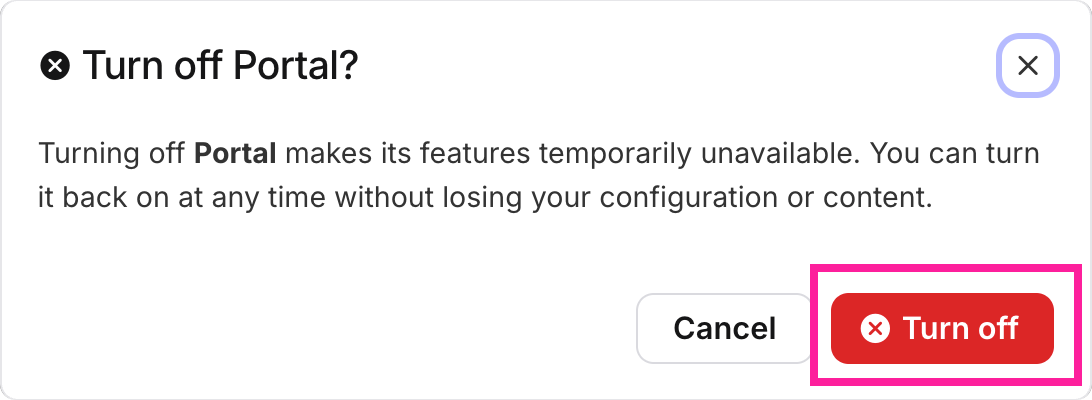
Select Turn off in the confirmation dialog.
You can retire a project but still keep all of its settings by deactivating it.
Select Nexus in the top menu. You are presented with the list of current Nexus projects.
Access the project you want to configure by selecting it in the list.
Select the Portal tab.
Select the Project actions button
 at the top of the page.
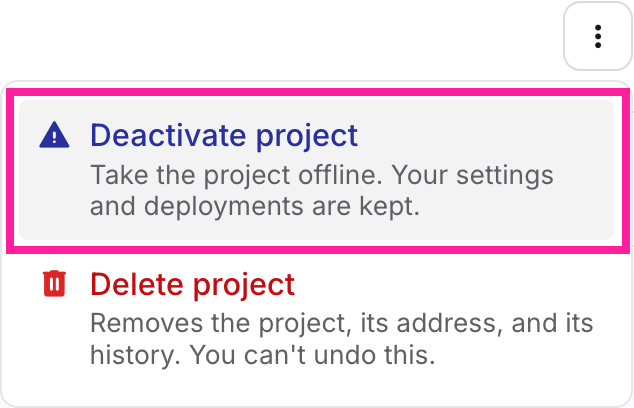
In the dialog, select Deactivate project.
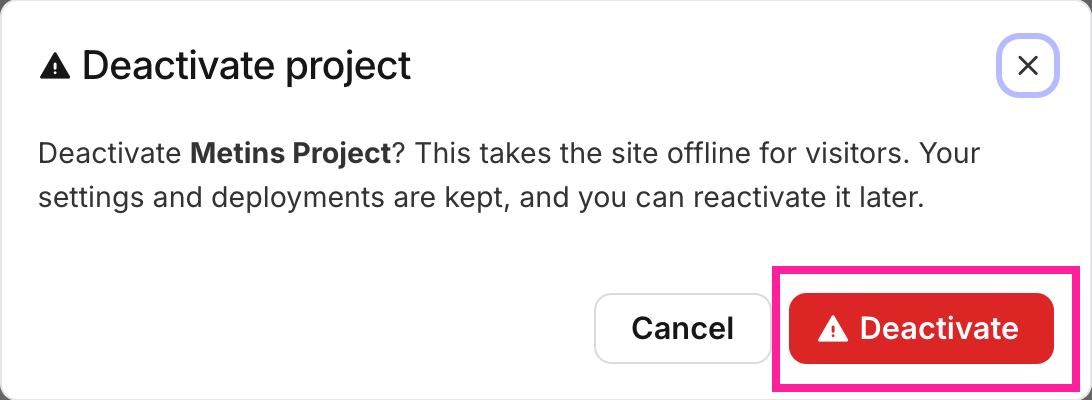
In the confirmation dialog, select Deactivate.
Note
The project's status badge will say Offline once the project has been deactivated.
Note
You can still make changes to the project, even when it is deactivated.
Note
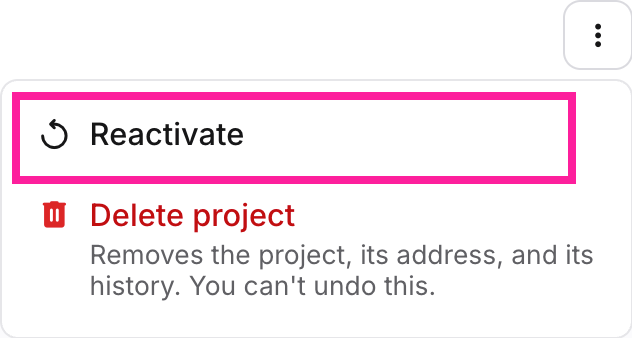
You can reacivate a deactivated project by selecting the Reactivate button for that project.
 |
Warning
Deleting a project is a destructive action, and cannot be undone.
Select Nexus in the top menu. You are presented with the list of current Nexus projects.
Access the project you want to configure by selecting it in the list.
Select the Portal tab.
Select the Project actions button
at the top of the page.In the dialog, select Delete project.
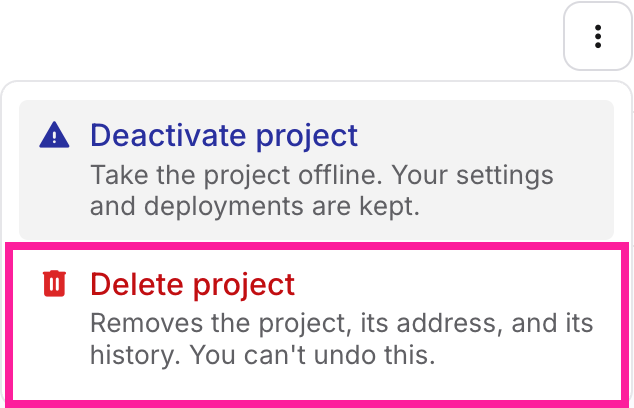
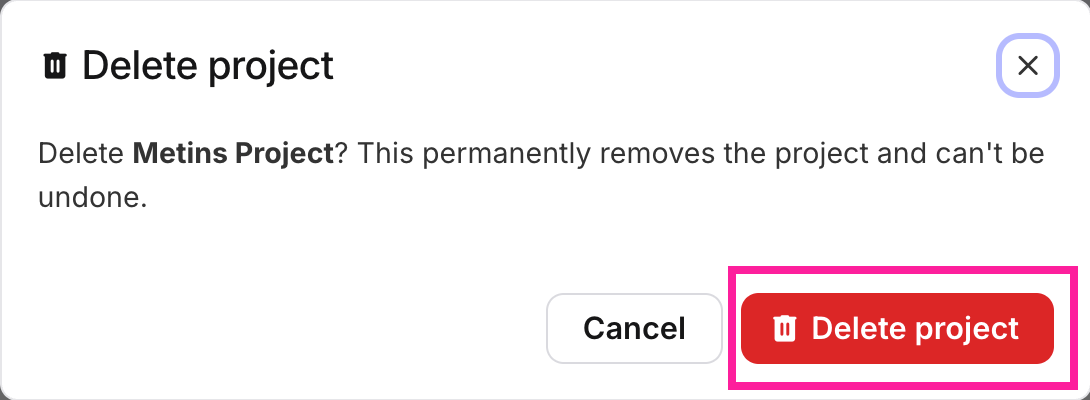
In the confirmation dialog, select Delete project again.