Timeline
Display the Timeline
To access the Timeline, the Contributor Editor must be opened.
Select the assignment in the Assignments Panel.
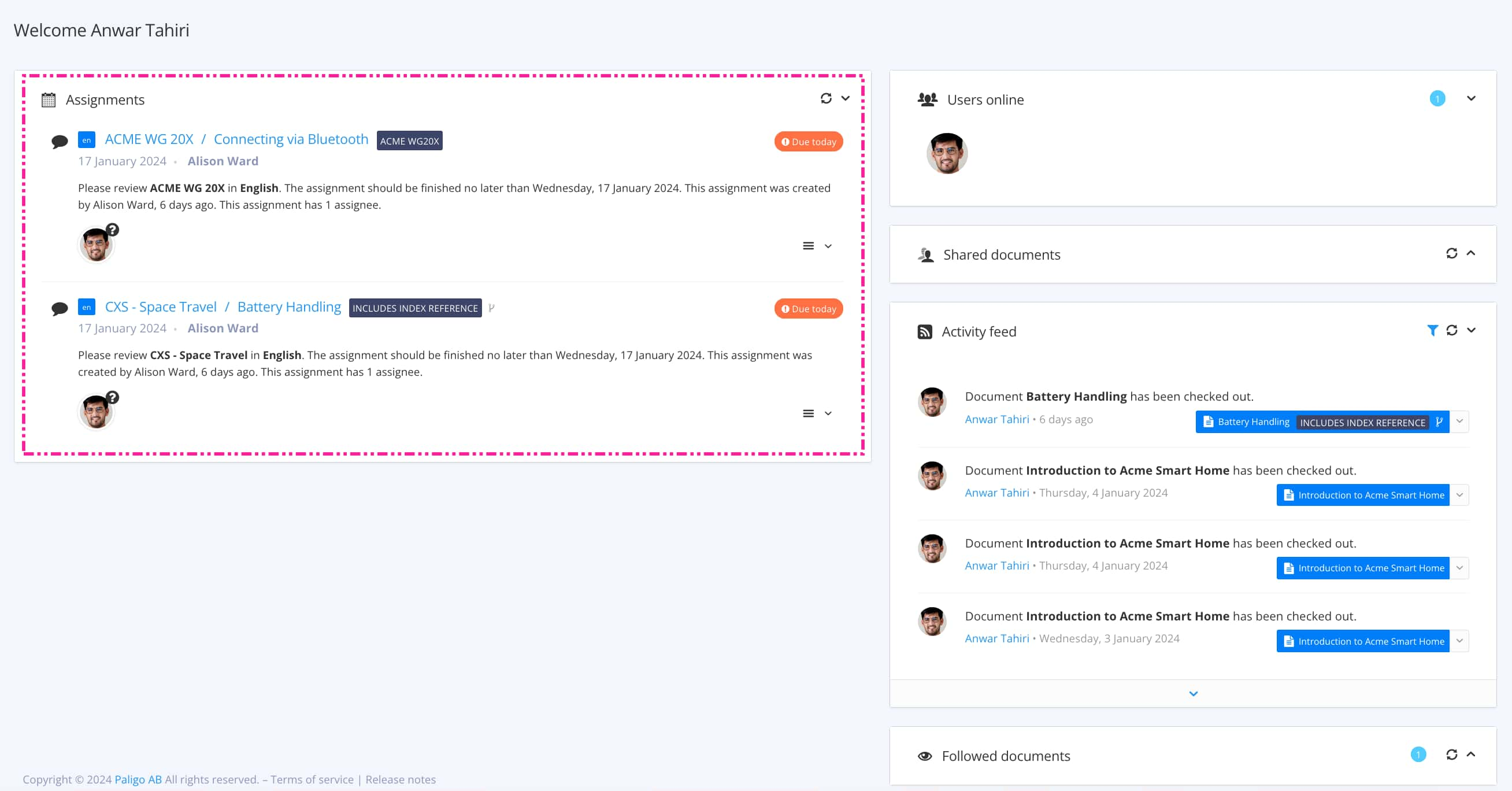
The view that opens varies, depending on the Assignment Types.
TipFor alternative ways to open an assignment, see Different Ways to Open Assignments.
Select Settings.

Select Show timeline.

