Markdown Styling
Paligo can publish content as Github Flavored Markdown. You can then use this in other systems and editors, just as any other Markdown content.
To publish to Markdown, you need to create a Layout, in this case, a Markdown layout. You can then edit the layout and use it for publishing.
The resulting output will be one Markdown file per language published. Images will be output to an Images folder which will also be part of the output.
To edit a Markdown layout:
Select Layout in the top menu.
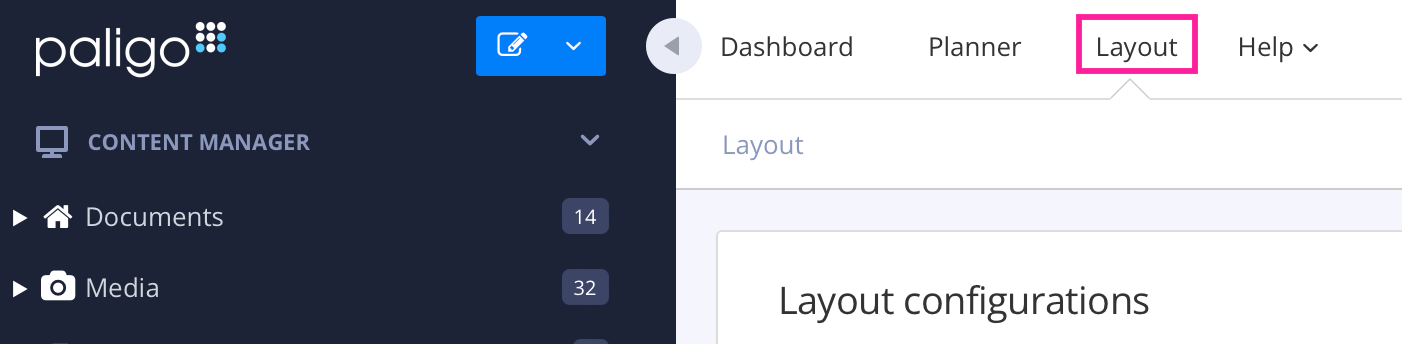
Paligo displays a list of Layouts. The list is empty if there are no custom Layouts in your Paligo instance.
Select the Markdown layout you want to edit. Paligo displays it in the Layout Editor. Use the Layout Editor to set:
Save the Layout.
For an overview on the changes and limitations regarding Markdown output, please see XML elements in Markdown.