Output table of contents
You can output the table of contents of a publication in Markdown output.
Select Layout in the top menu.
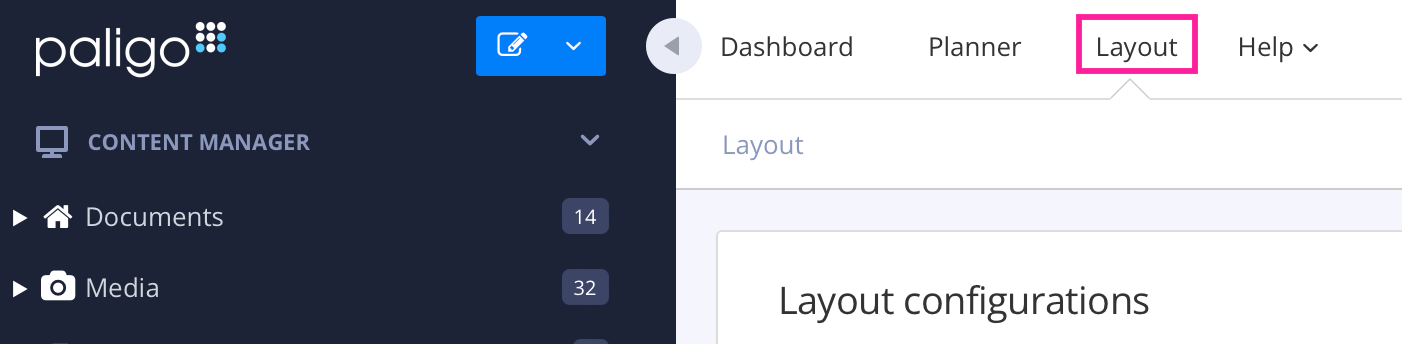
Paligo displays a list of Layouts. The list is empty if there are no custom Layouts in your Paligo instance.
Select the Markdown layout that you are going to use for publishing, or create a new one.
Select General in the sidebar.
Set Output TOC to Enable (default is Disable).
This will put the publication's table of content at the top of the Markdown output.
