Taxonomy filtering for Markdown output
By default, taxonomy tags are not output in Paligo. For Markdown output you can use taxonomies to filter content. For example, you can include or exclude content for specific markets, or for specific versions of your product.
To use taxonomies as output filters, do the following:
Select Layout in the top menu.
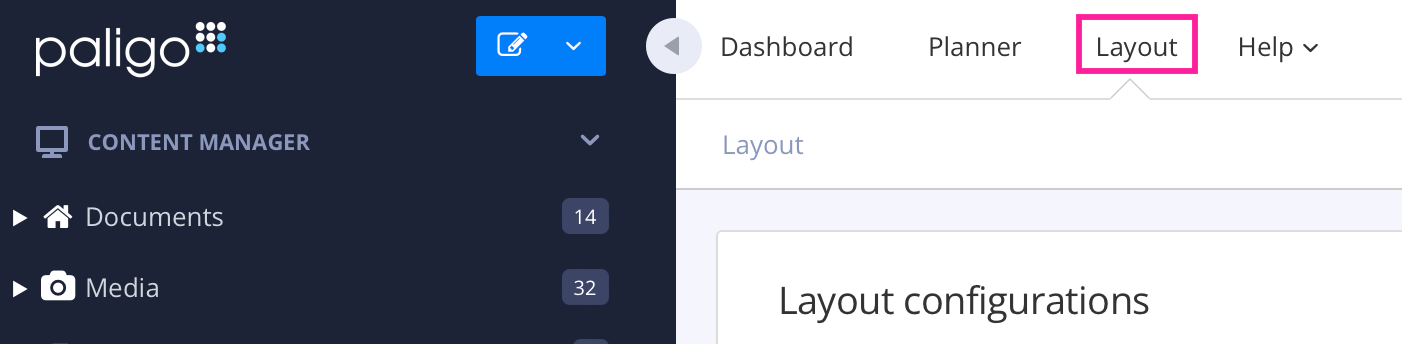
Paligo displays a list of Layouts. The list is empty if there are no custom Layouts in your Paligo instance.
Select the Markdown Layout that you are going to use for publishing, or create a new one.
Select Classes and attributes in the sidebar.
Set Propagate taxonomies for filtering to Enable (default is Disable).
Note
Note that the taxonomies will not be output as classes in the Markdown output. Taxonomies can only be used for filtering.
Set Taxonomy filtering to the correct filtering strategy for your output.
For more information on taxonomy filter strategies, please see Set the Taxonomy Filter Strategy.
Note
Remember that for each filter value taxonomy tag that you create, you need to have an equivalent filter attribute value. If you don't have the filter attribute value, you won't be able to select the filter value as an option in the publishing settings. To learn how to add an attribute value, see Add the Filter Values.
Apply the taxonomies to your topics.
For more information on applying taxonomies, please see Apply Taxonomy Tags to Content.
When publishing your output, set the correct filters in the Profiling attributes field.
For more information on filters and profiling attributes, please see Choose Which Filters to Apply When Publishing.
For more information on using Taxonomies as filters, please see Taxonomy Filters.