Nexus themes
Create a theme layout
The built-in Theme - Paligo Default layout publishes with Paligo Base and its default settings. To use a custom theme, or to set theme options or branding, create a layout of your own with the THEME output format. To create one:
Select Layout in the top menu.
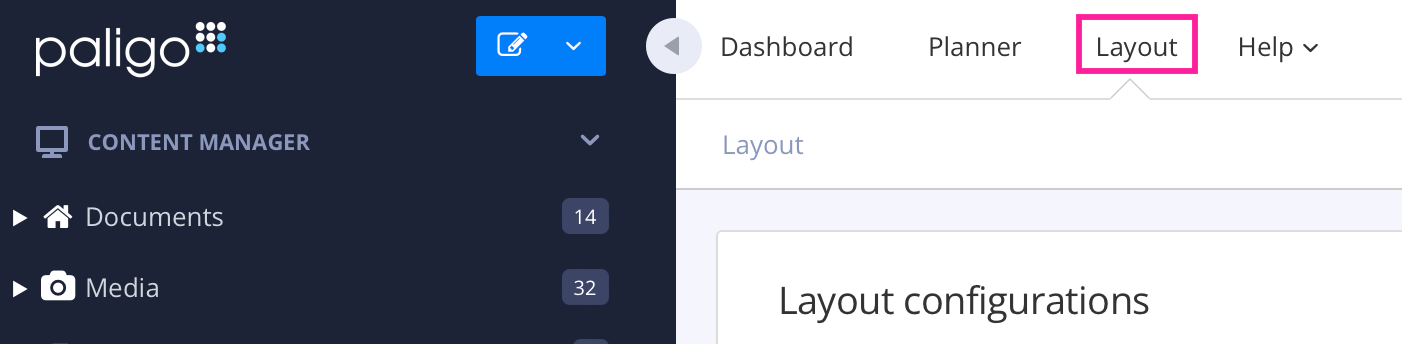
Paligo displays a list of Layouts. The list is empty if there are no custom Layouts in your Paligo instance.
Select Create New Layout in the lower left corner.

Give your Layout a name in the Layout title field.
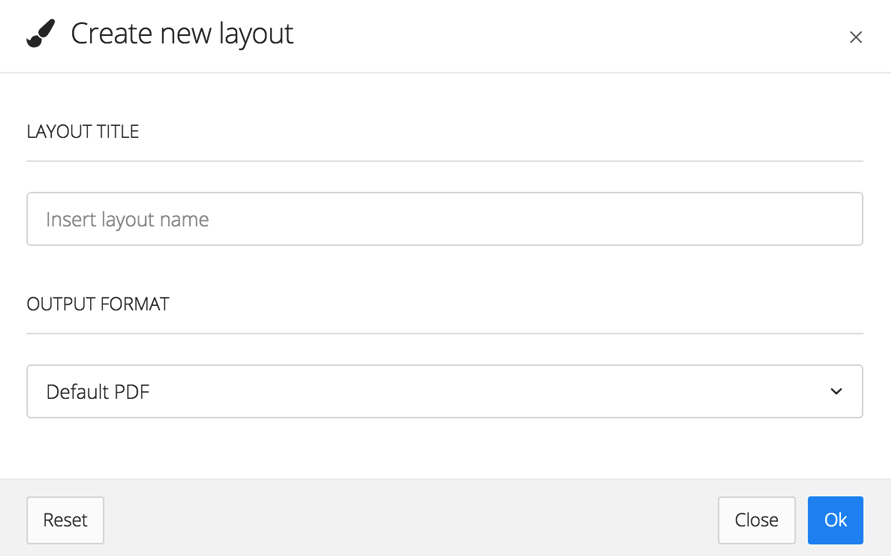
In Output format, choose Theme - Paligo Default.
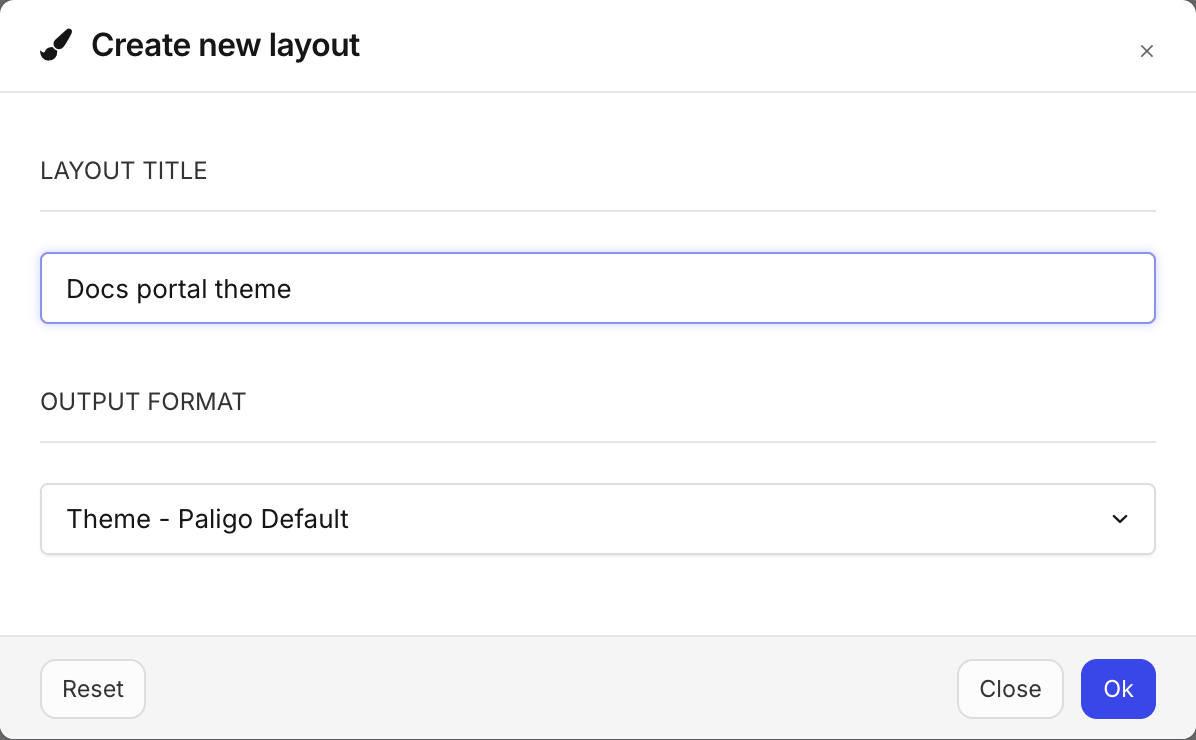
Select Ok.
Paligo creates the layout. In the list of layouts, its format is shown as THEME.
Select the new layout to open it in the Layout Editor.
A new theme layout uses Paligo Base. To change the theme, see Choose the theme for a layout. The layout's other settings, such as Branding and Search, work as they do in other layouts. For more about creating layouts, see Create a Layout.
If Theme - Paligo Default is not in the Output format list, Nexus themes are not enabled for your Paligo instance. To enable Nexus themes, contact Paligo support.