Quick Search
Use Quick Search
The Quick Search is located in the right corner of the top menu.
Select Quick Search in the top menu.


Enter the text in the search field.
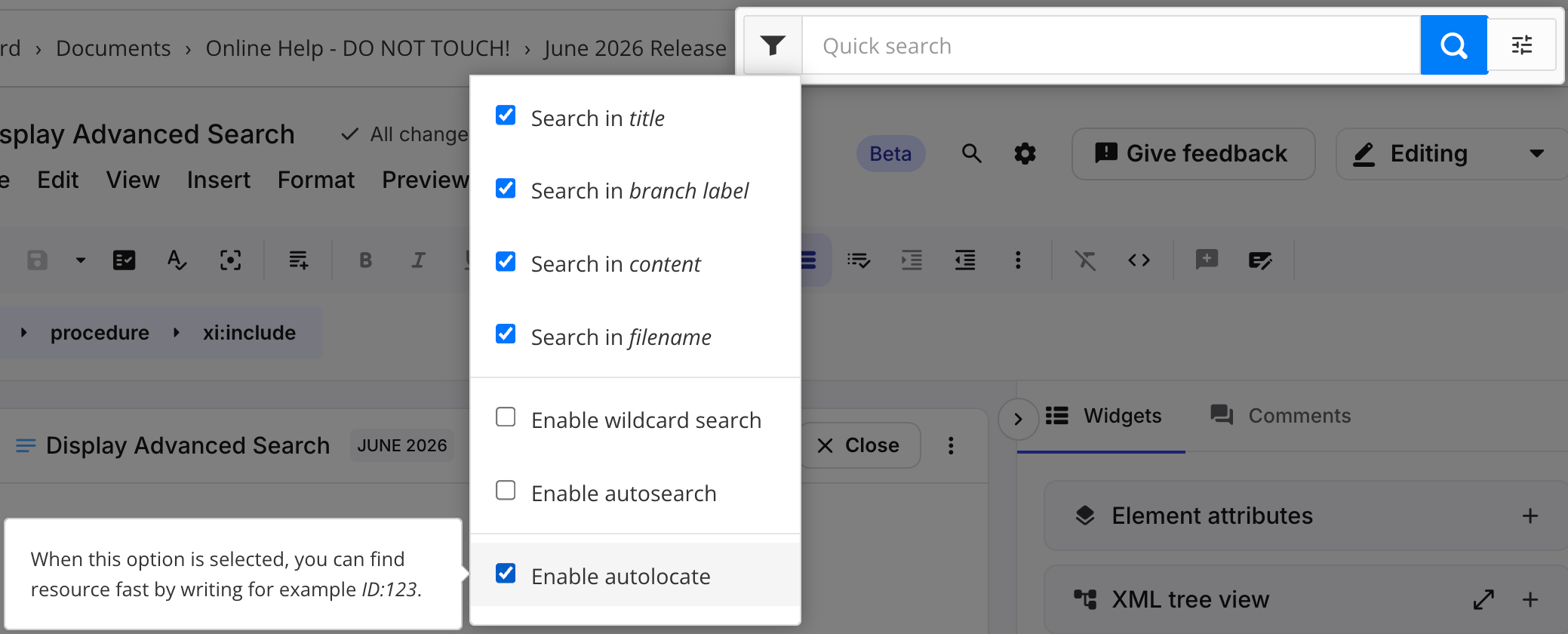
Use the search option checkboxes to narrow down the search.
For example, if you only want to search for images, clear the other search options.
Press Enter.