Working in Review View
Display the Review View
When a Paligo author creates an assignment the assignee receives an email invite to review, translate or contribute to the documentation.
The Assignment Types and User Types determine which view is opened, see Review View Features, Edit View Features and Translation View.
If the content uses Filtering / Profiling or Variables in Paligo, the author should have created a favorite profile and provided you with information about which profile to use, see Choose Profile Settings and Favorite Profiles.
An assignment can be opened in different ways:
Select the link in the email invite.
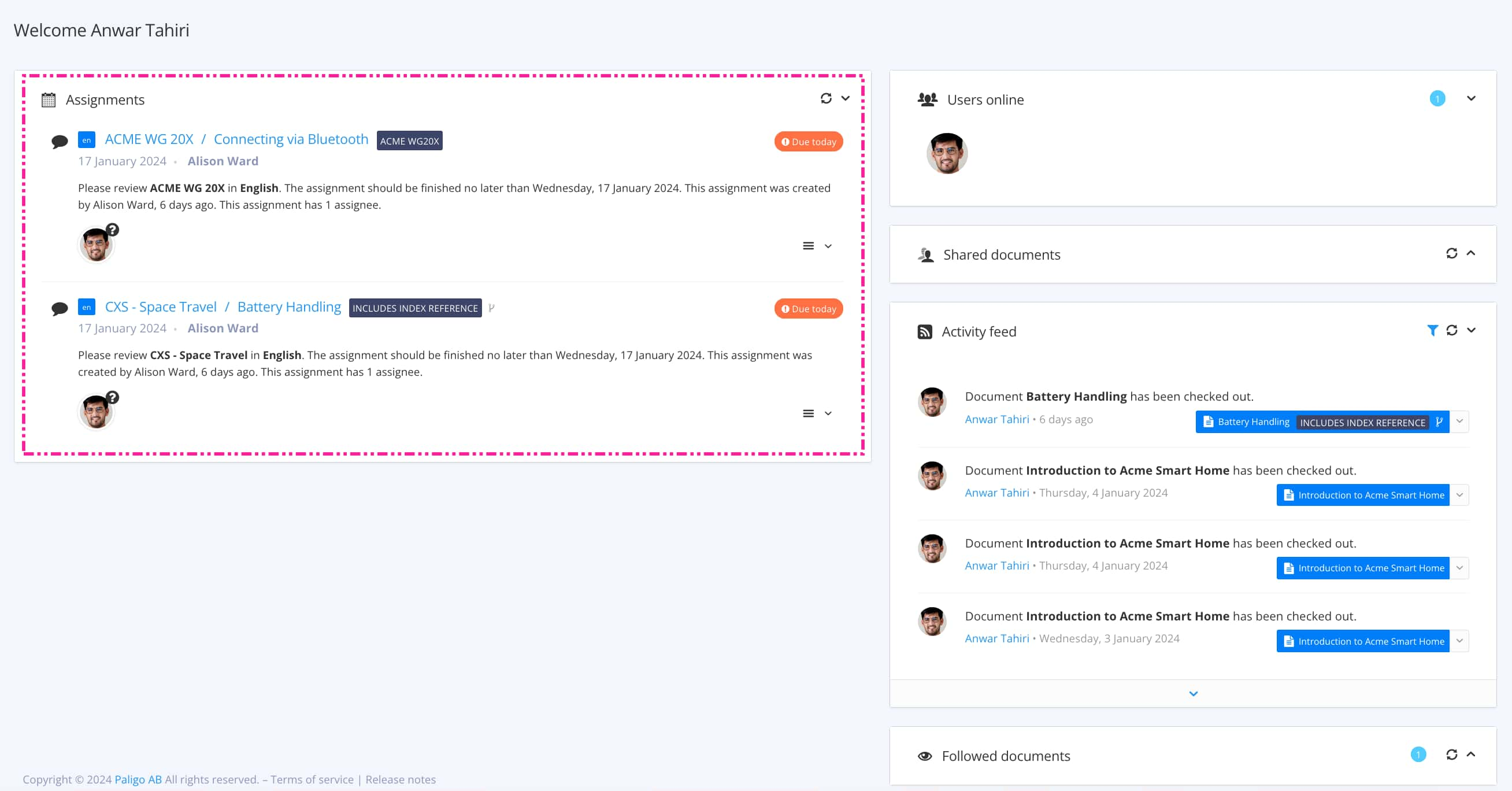
Select the assignment in the Assignments Panel.
As an author or admin, you can also Open Assignment in Main Editor.
If you are unfamiliar with the Review View, we recommend that you read the following sections before using it: