Keep content out of Nexus Answers
You can keep some of your content out of Nexus Answers and still publish it on your site. Answers from the widget, the API and MCP don't use it or link to it. For example, you can do this for internal notes or old release notes.
You can mark a whole topic or a single element, such as a paragraph or a table. Nexus Answers leaves out the marked element and everything inside it. When you mark a topic, the topics under it are left out too. To keep a topic out of Nexus Answers:
Select the topic or component in the Content Manager to open it in the Editor.
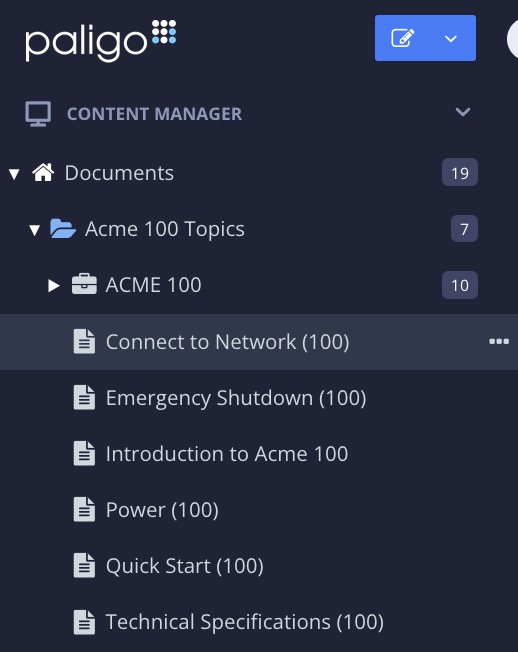
Alternatively, you can Create a Topic and edit that.
Select the
sectionelement in the Element Structure Menu.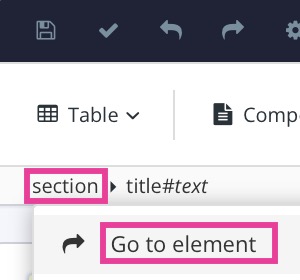
Select Go to element.
Add the
roleattribute in the Element Attributes Panel and set the value tonotinanswers.Select Save.

Publish the publication to Nexus again.
Note
The notinsearch value only keeps content out of site search. To keep content out of both, set the role to notinsearch;notinanswers.