Tables
Change the Table Type
In Paligo, you can have tables:
With titles - That use the
tableelement.Without titles - That use the
informaltableelement.
You can choose to include a title when you first Create a Table, but if you later change your mind, you can convert one type of table into the other.
Convert Tables to Informal Tables
To convert a table into an informaltable:
Select the topic or component in the Content Manager to open it in the Editor.
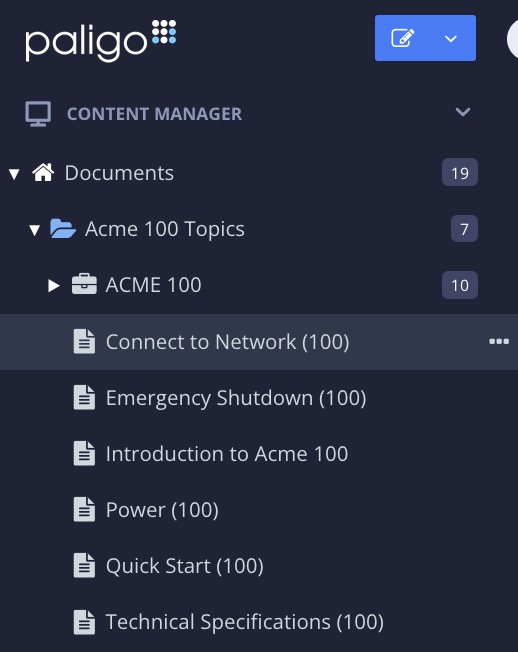
Alternatively, you can Create a Topic and edit that.
Select the table that you want to convert.
Select the
captionelement in the Element Structure Menu and choose Cut.
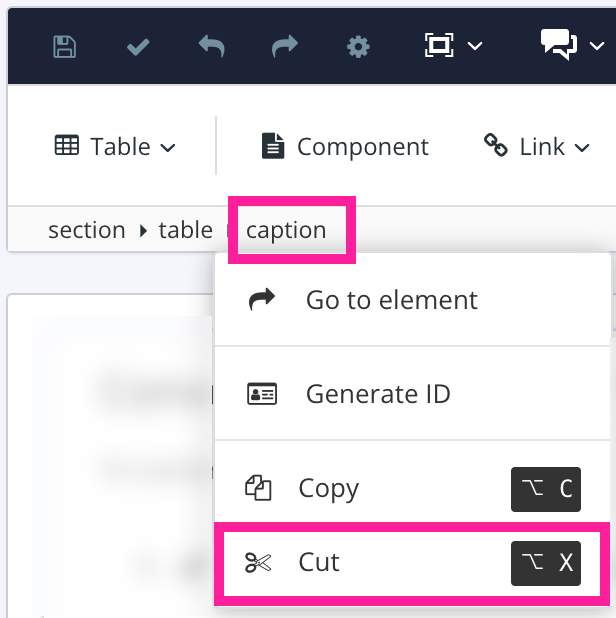
Paligo removes the title (
caption) from the table.Select Save.

When you save the topic, Paligo detects that there is a table with no title (no caption). It then converts the table element into an informaltable element automatically.
Convert Informal Tables to Tables
To convert an informal table into a table:
Select the topic or component in the Content Manager to open it in the Editor.
Alternatively, you can Create a Topic and edit that.
Position the cursor in one of the table cells.
Right-click in the table to display the Table Context Menu.
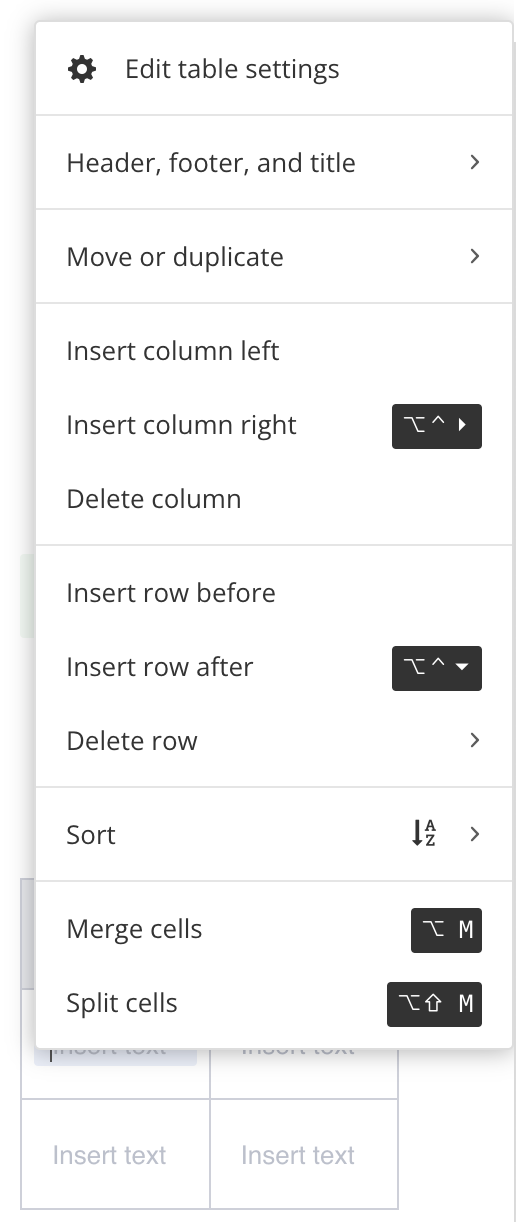
Select Header, footer and title and choose Insert table title.
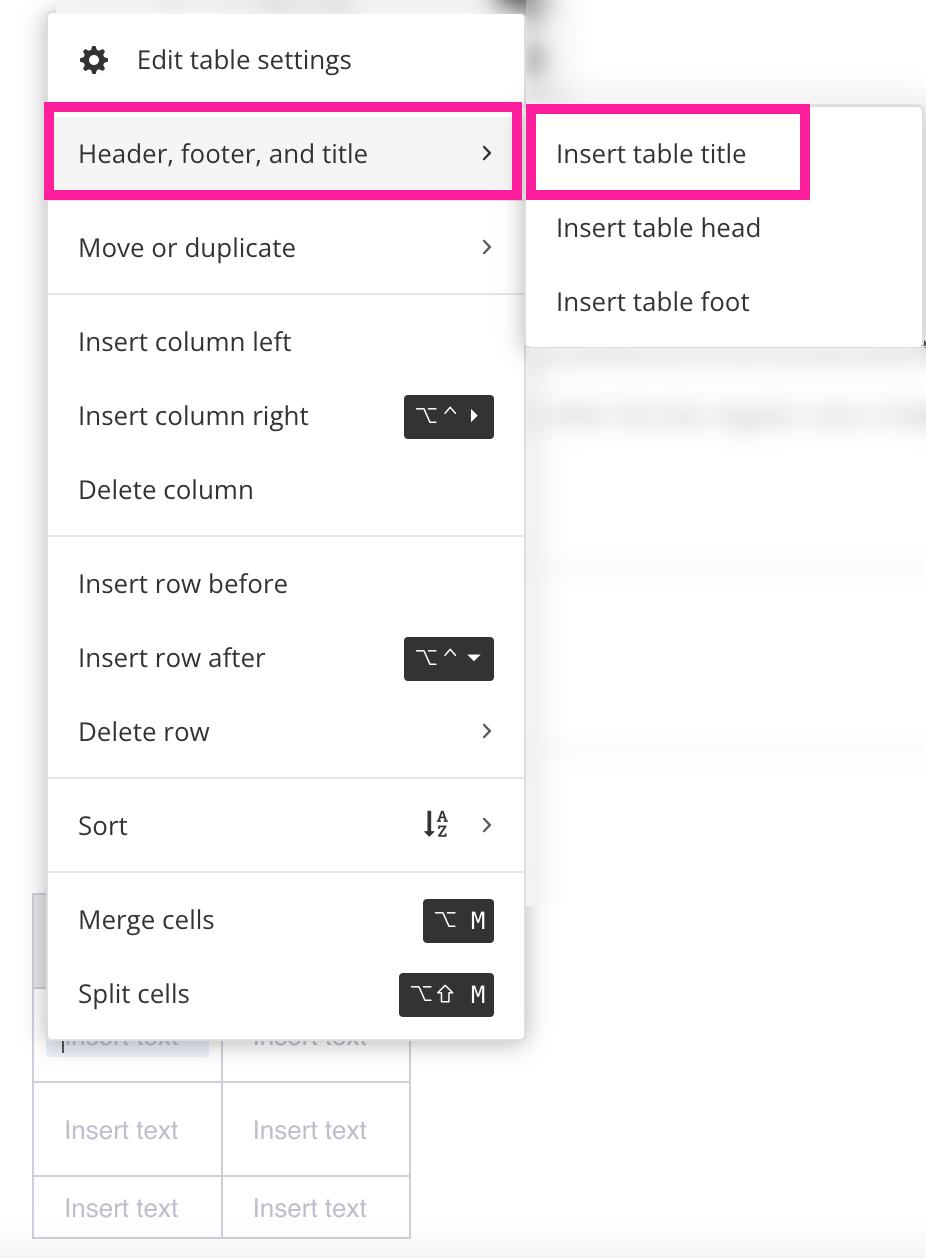
Paligo adds a table title above the table. The
captionelement represents the table title.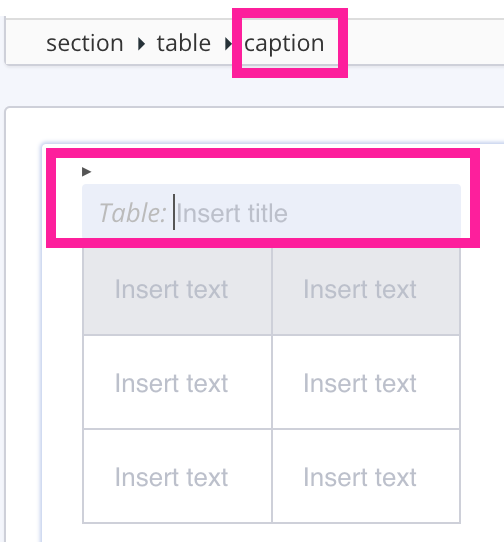
Add content to the table title.
Select Save.
When you save the topic, Paligo detects that the table now has a title (caption). It converts the informaltable element into a table element automatically.