Create a new project
You can create any number of new projects for your Nexus installation. These can contain only a portal, only AI answers, or both. Note that you can activate or deactivate any of these services at any time in the project settings.
To create a new project:
Select Nexus in the top menu. You are presented with the list of current Nexus projects.

Select Create Project
 .
.In the dialog box, enter a title for your project in the Project title field.
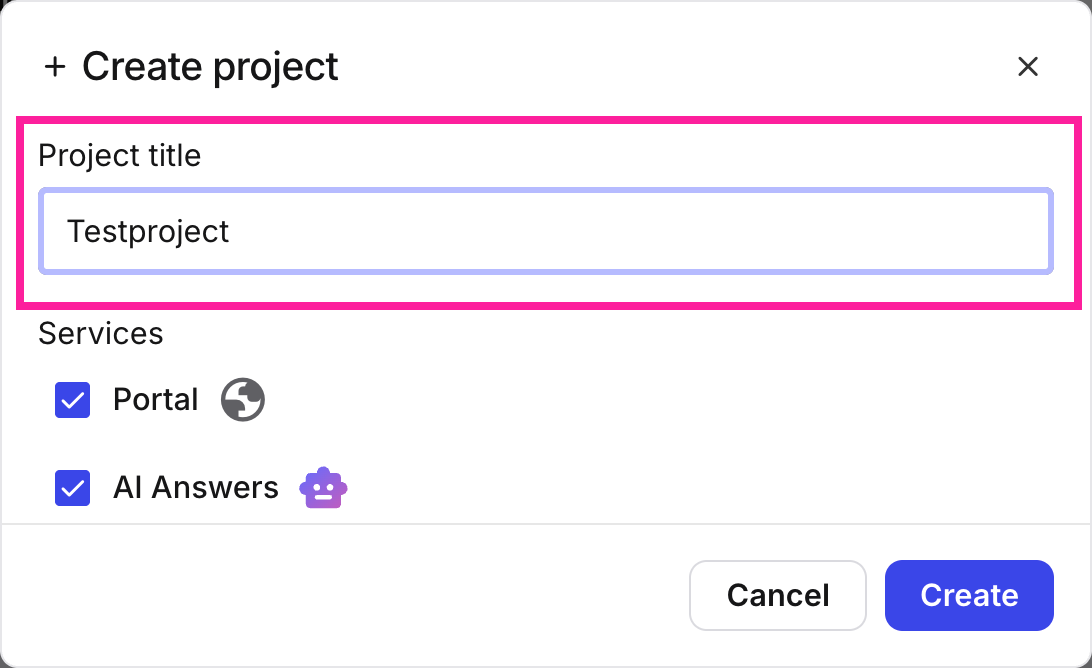
Enter a project title
Select which Nexus services you want to have included in this project: Portal, AI Answers, or both.
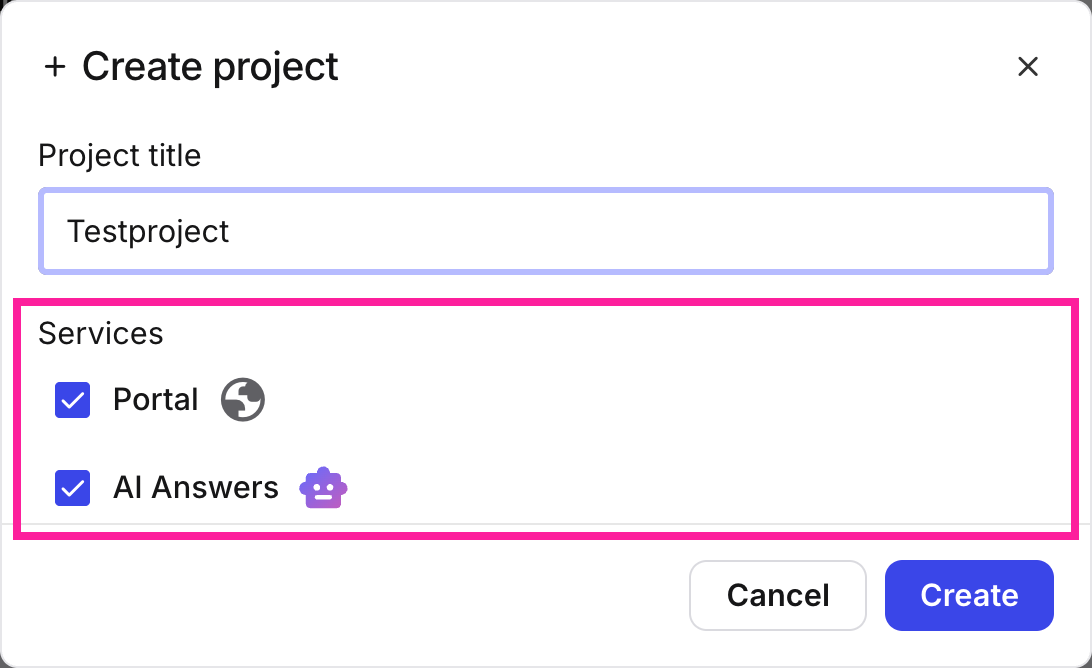
Select Nexus services
Select Create
 . While the project is being set up the badge for the project will say Provisioning. Once it is ready, the badge will read Ready.
Note
Every Nexus project gets its own unique URL. This is the URL any content published with this project will be published to. However, it is also possible to tie a custom domain to this projectL so that you can use your company's own domain or subdomain for publication. For more information, see: