[en] Taxonomy filtering for Markdown output
[en] By default, taxonomy tags are not output in Paligo. For Markdown output you can use taxonomies to filter content. For example, you can include or exclude content for specific markets, or for specific versions of your product.
[en] To use taxonomies as output filters, do the following:
Wählen Sie im oberen Menü Layout aus.
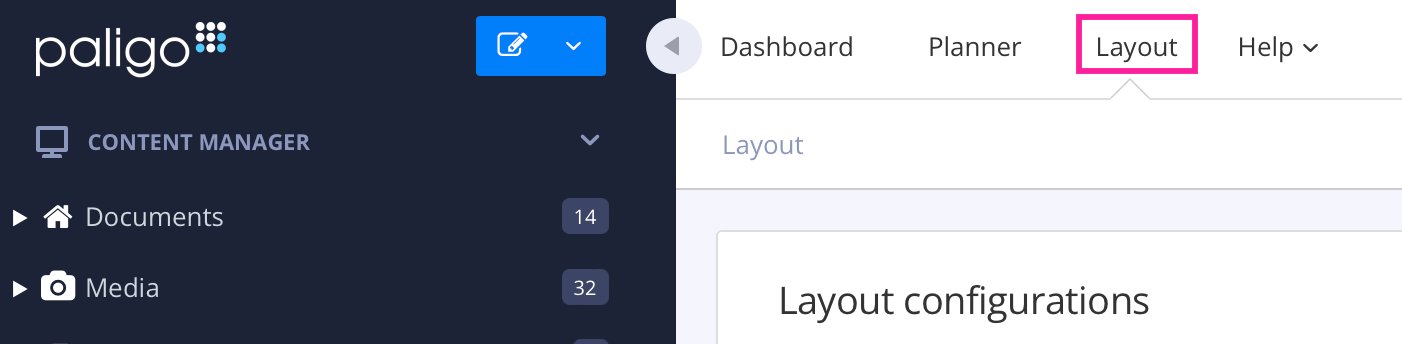
Paligo zeigt eine Liste von Layouts an. Die Liste ist leer, wenn keine benutzerdefinierten Layouts in Ihrer Paligo-Instanz vorhanden sind.
[en] Select the Markdown Layout that you are going to use for publishing, or create a new one.
[en] Select Classes and attributes in the sidebar.
[en] Set Output taxonomies to Enable (default is Disable).
Anmerkung
[en] Note that the taxonomies will not be output as classes in the Markdown output.
[en] Set Taxonomy filtering to the correct filtering strategy for your output.
[en] For more information on taxonomy filter strategies, please see Taxonomie-Filterstrategie festlegen.
Anmerkung
Denken Sie daran, dass Sie für jedes Taxonomie-Tag, das Sie erstellen, einen äquivalenten Filterattributwert haben müssen. Wenn Sie keinen Filterattributwert haben, können Sie den Filterwert nicht als Option in den Publikationseinstellungen auswählen. Informationen zum Hinzufügen eines Attributwerts finden Sie unter Filterwerte hinzufügen.
[en] Apply the taxonomies to your topics.
[en] For more information on applying taxonomies, please see Taxonomie-Tags hinzufügen.
[en] When publishing your output, set the correct filters in the Profiling attributes field.
[en] For more information on filters and profiling attributes, please see Publikationsfilter anwenden.
[en] For more information on using Taxonomies as filters, please see Taxonomie-Filter.