[en] Output table of contents
[en] You can output the table of contents of a publication in Markdown output.
Wählen Sie im oberen Menü Layout aus.
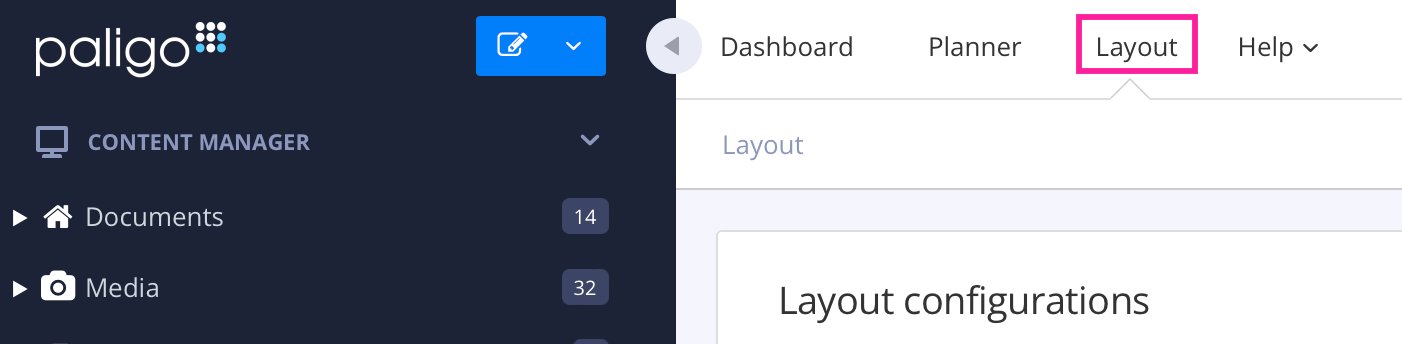
Paligo zeigt eine Liste von Layouts an. Die Liste ist leer, wenn keine benutzerdefinierten Layouts in Ihrer Paligo-Instanz vorhanden sind.
[en] Select the Markdown layout that you are going to use for publishing, or create a new one.
[en] Select General in the sidebar.
[en] Set Output TOC to Enable (default is Disable).
[en] This will put the publication's table of content at the top of the Markdown output.
