[en] Markdown Styling
[en] Paligo can publish content as Github Flavored Markdown. You can then use this in other systems and editors, just as any other Markdown content.
[en] To publish to Markdown, you need to create a Layout, in this case, a Markdown layout. You can then edit the layout and use it for publishing.
[en] The resulting output will be one Markdown file per language published. Images will be output to an Images folder which will also be part of the output.
[en] To edit a Markdown layout:
Wählen Sie im oberen Menü Layout aus.
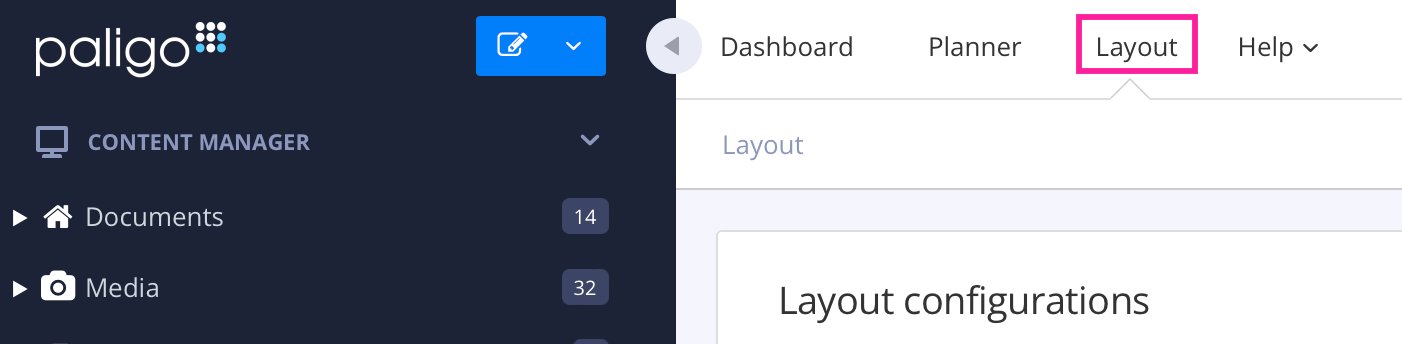
Paligo zeigt eine Liste von Layouts an. Die Liste ist leer, wenn keine benutzerdefinierten Layouts in Ihrer Paligo-Instanz vorhanden sind.
[en] Select the Markdown layout you want to edit. Paligo displays it in the Layout Editor. Use the Layout Editor to set:
[en] Save the Layout.
[en] For an overview on the changes and limitations regarding Markdown output, please see [en] XML elements in Markdown.