Try out theme options in the preview
You can see how the theme looks with different option values without changing a layout. To try out an option:
In the Explorer, open the Paligo Theme section.
It lists the options in your theme's
theme.json, with the value each one has in the preview.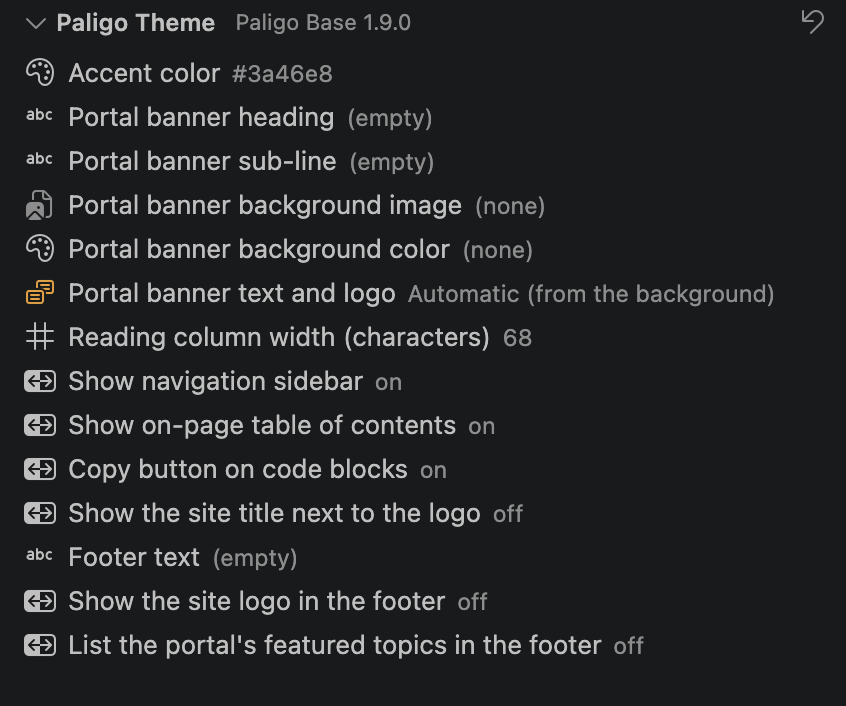
Select an option and choose or enter a new value.
The preview updates with the new value.
To return every option to the theme's default, select Reset theme options to defaults at the top of the Paligo Theme section.
The values you set here apply only to the preview. They aren't pushed with the theme. To set the values a layout publishes with, see Set theme options.
Tip
If you have moved the Paligo Theme section to another place and can't find it, run Paligo: Restore theme panel to the Explorer.