Turn AI Answers on or off
To turn AI answers on or off in a Nexus project:
Select Nexus in the top menu. You are presented with the list of current Nexus projects.

Access the project you want to configure by selecting it in the list.
Select the AI Answers tab.
Select the On/Off toggle switch.

If you are turning AI Answers on, you will see the following message:
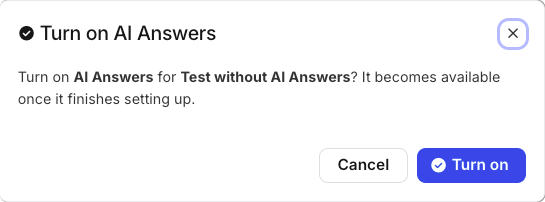
Select Turn on. The toggle's badge will read Setting up while AI Answers is being activated.
Note
When AI Answers is turned on, the widget will be turned on automatically as well.
If you are turning AI Answers off, you will see the following message:
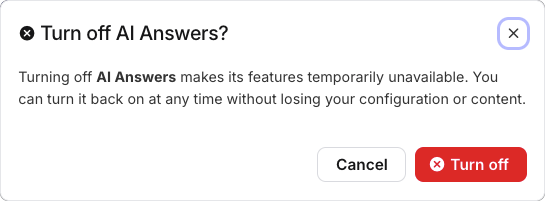
Select Turn off. The toggle's badge will read Off.