[en] View revisions of a layout
[en] View revisions of a layout
[en] When you save a layout, Paligo stores a record called a revision. This is like a snapshot of the component at that point in time.
[en] You can view the revisions so that you can see a history of the changes that have been made.
[en] To view the revisions of a component:
Wählen Sie im oberen Menü Layout aus.
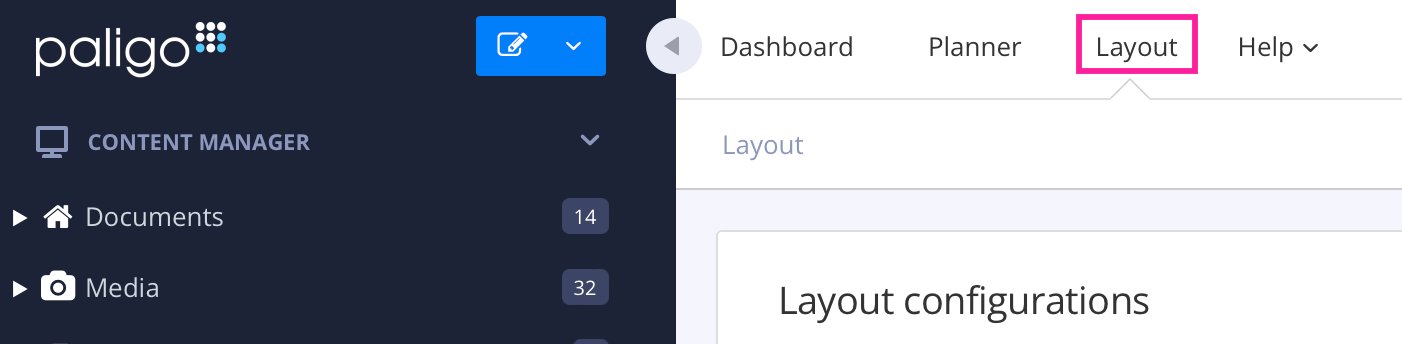
Paligo zeigt eine Liste von Layouts an. Die Liste ist leer, wenn keine benutzerdefinierten Layouts in Ihrer Paligo-Instanz vorhanden sind.
Suchen Sie in der Liste das Layout, das Sie duplizieren möchten, und wählen Sie dessen Optionsmenü (...).
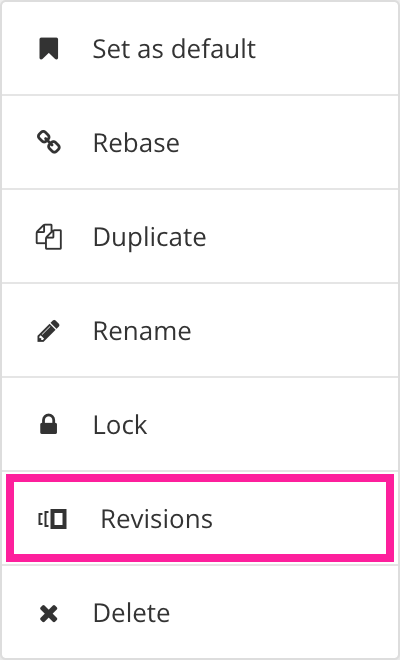
[en] Select Revisions.
[en] A Revision Overview dialog shows the available revisions for the layout. It includes the date on which the revision was saved, the user that made the save, and the approximate percentage of changes made since its previous revision.
Anmerkung
[en] If no revisions exist for the selected layout, nothing will be shown.
[en] You can use the Revision Overview dialog to compare revisions and to revert the current component back to an earlier revision.