[en] Download a theme
[en] You can download the theme a layout uses. Download Paligo Base to start a custom theme from it, or download a custom theme to change it or keep a copy. To download a theme:
Wählen Sie im oberen Menü Layout aus.
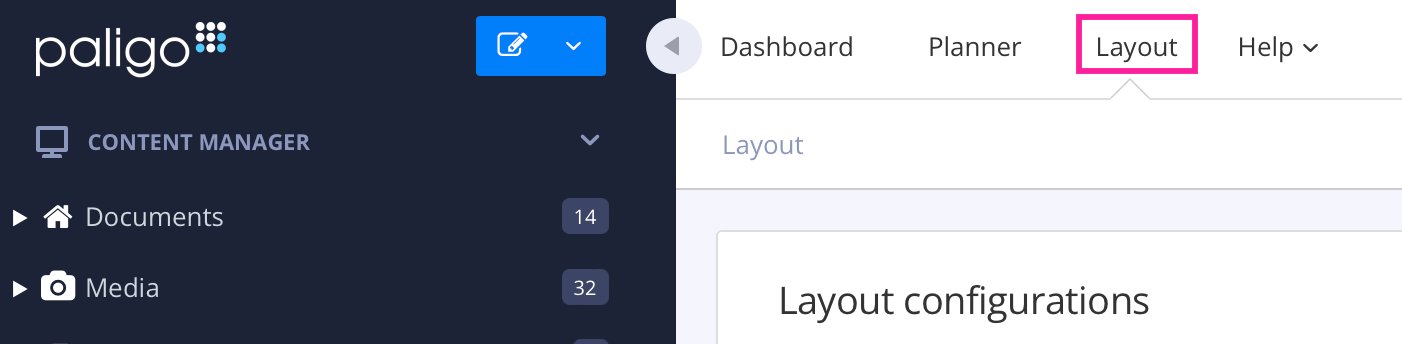
Paligo zeigt eine Liste von Layouts an. Die Liste ist leer, wenn keine benutzerdefinierten Layouts in Ihrer Paligo-Instanz vorhanden sind.
Wählen Sie das Layout, das Sie aktualisieren möchten, oder Ein Layout erstellen aus.
Tipp
Sie können die URL des Layout-Editors kopieren und in eine neue Registerkarte in Ihrem Browser einfügen. Dies kann nützlich sein, wenn Sie häufig zwischen Ihren Paligo-Inhalten und den Layout-Einstellungen wechseln.
[en] Select Theme in the list of categories.
[en] In Theme source, choose the theme to download:
[en] Paligo Base downloads the built-in theme.
[en] Custom — upload your own downloads the theme uploaded to this layout.
[en] Select Download this theme.
[en] Paligo downloads the theme as a ZIP file named after the theme and its version, such as
paligo-base-1.9.0.zip.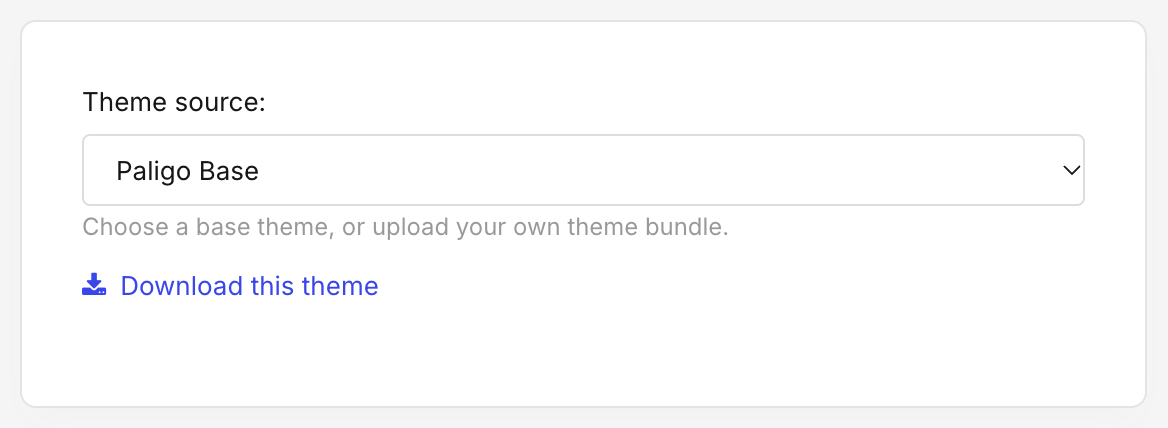
[en] The downloaded file is a complete theme. You can upload it to a layout unchanged, or unzip it and change it. For what is inside, see [en] Theme package structure.
Anmerkung
[en] Each upload is stored separately, so an earlier revision of a layout still downloads the theme it used at the time.