[en] Choose the theme for a layout
[en] Each theme layout uses either Paligo Base or a custom theme that has been uploaded to it. To choose the theme:
Wählen Sie im oberen Menü Layout aus.
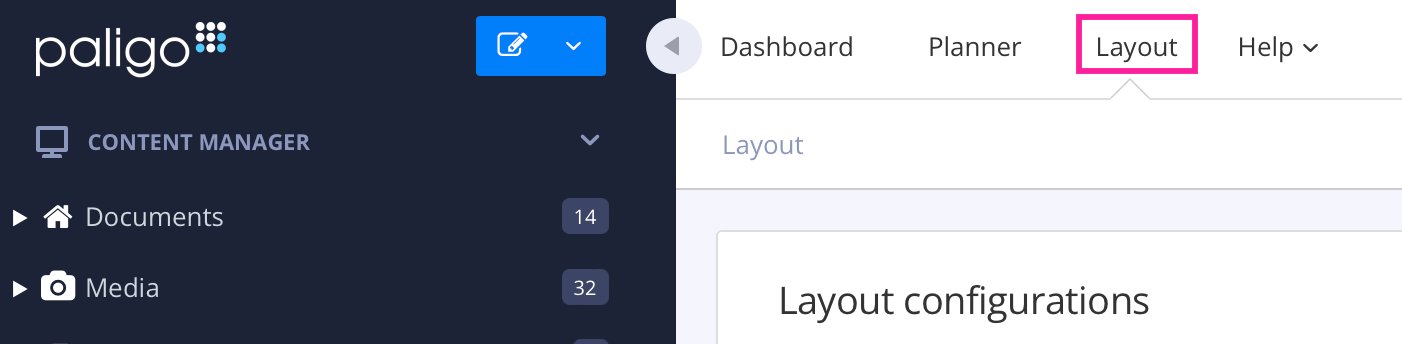
Paligo zeigt eine Liste von Layouts an. Die Liste ist leer, wenn keine benutzerdefinierten Layouts in Ihrer Paligo-Instanz vorhanden sind.
Wählen Sie das Layout, das Sie aktualisieren möchten, oder Ein Layout erstellen aus.
Tipp
Sie können die URL des Layout-Editors kopieren und in eine neue Registerkarte in Ihrem Browser einfügen. Dies kann nützlich sein, wenn Sie häufig zwischen Ihren Paligo-Inhalten und den Layout-Einstellungen wechseln.
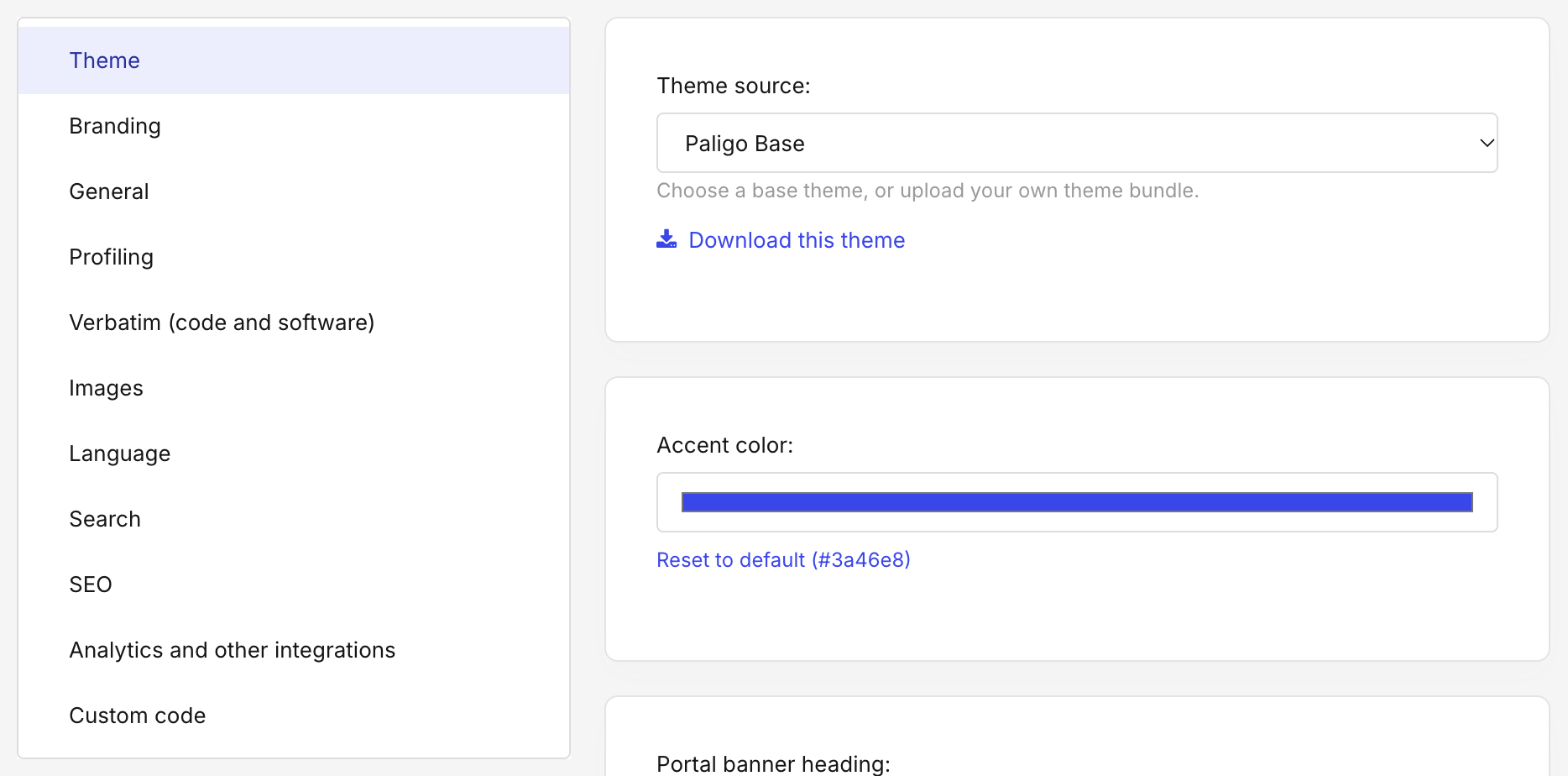
[en] Select Theme in the list of categories.
[en] In Theme source, choose the theme:
[en] Paligo Base: the built-in theme. The settings below show Paligo Base's own theme options.
[en] Custom — upload your own: a theme uploaded as a ZIP file. If none has been uploaded to this layout yet, upload one now, as described in [en] Upload a custom theme.
[en] Select Save.
[en] The new theme is used the next time you publish with the layout.
Anmerkung
[en] If you switch from a custom theme to Paligo Base and back again before you save, the custom theme you uploaded is still there. When you save with Paligo Base selected, the layout stops using the custom theme.