[en] View image revisions
[en] To view all existing revisions of a particular image:
[en] Select the image in the Media library.
Anmerkung
[en] Alternatively, you can select an image inside a topic:
[en] Right-click on the image.
[en] Select Edit properties
[en] Select the image
[en] From the Image toolbar, select Edit image details
[en] In the Image details window, select the Revisions tab. All revisions of the image are listed, with the current revision at the top, labeled Current.
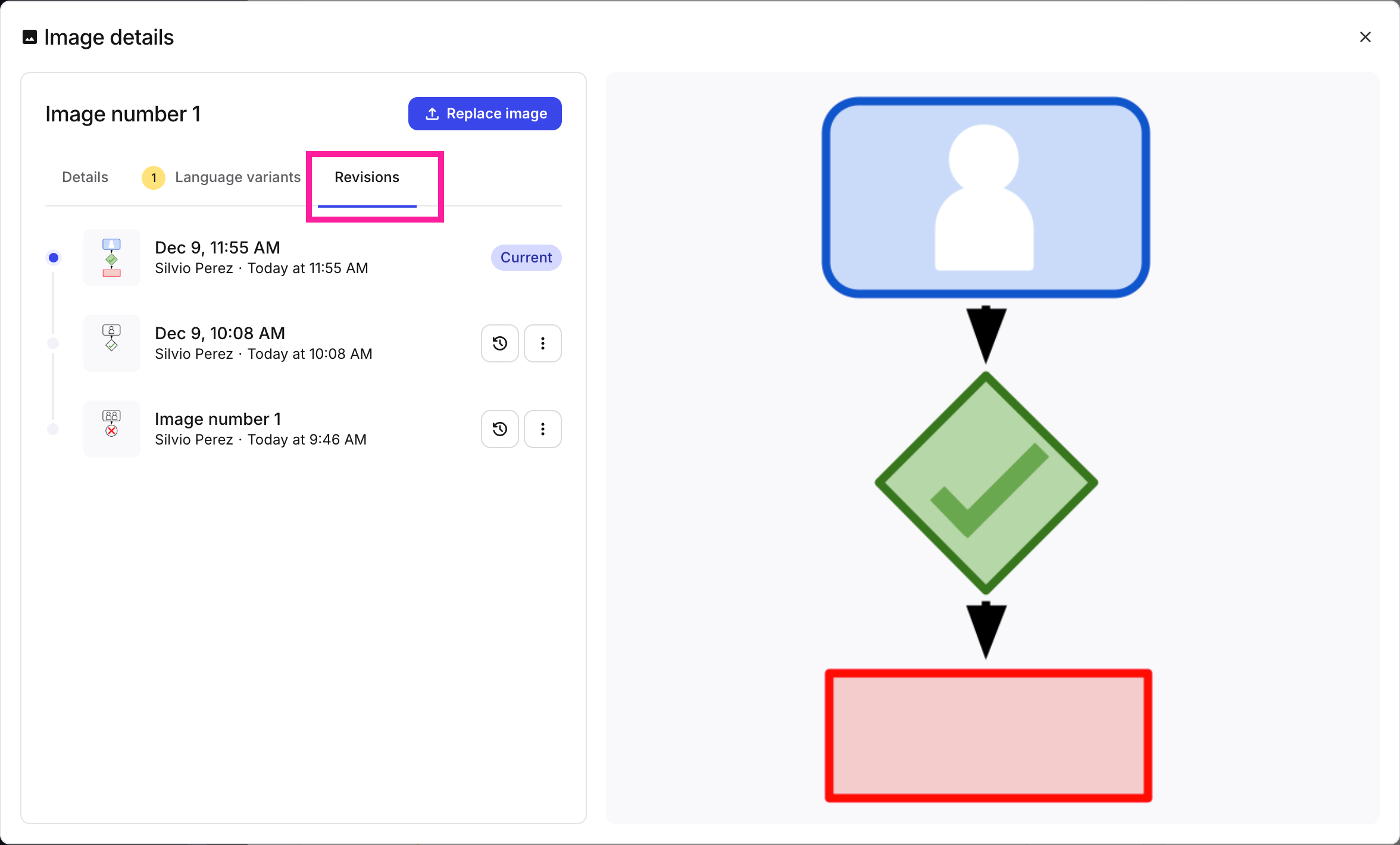
[en] The Revisions tab shows the current revision at the top of the list
[en] View a specific revision
[en] Since it is sometimes hard to discern details in a revision's thumbnail, it is always possible to view image revisions in a separate window.
Anmerkung
[en] You can enlarge the image in the preview pane by clicking the Expand image button  .
.
[en] Select the image in the Media library.
Anmerkung
[en] Alternatively, you can select an image inside a topic:
[en] Right-click on the image.
[en] Select Edit properties
[en] Select the image
[en] From the Image toolbar, select Edit image details
[en] Select More options
 for the revision you want to preview.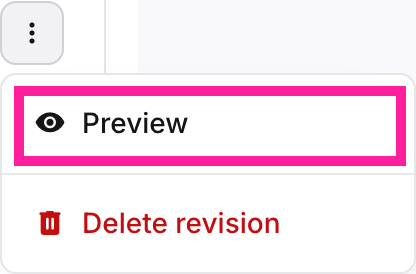
[en] Select Preview. The image will open in a modal window.
Anmerkung
[en] Language variants can be viewed in the same way.