[en] Manage a portal
[en] If you want to (temporarily) turn on or turn off a portal:
[en] Select Nexus in the top menu. You are presented with the list of current Nexus projects.

[en] Access the project you want to configure by selecting it in the list.
[en] Select the Portal tab.

[en] Select the On/Off toggle in the Portal section.

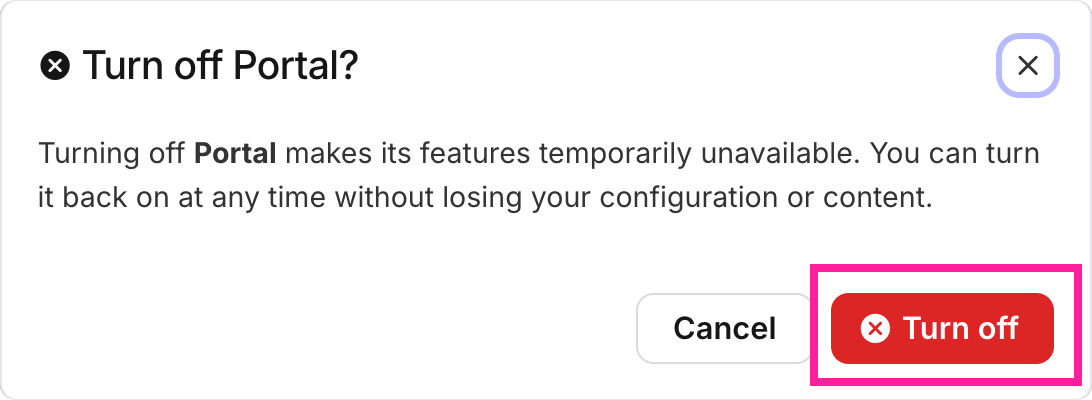
[en] Select Turn off in the confirmation dialog.
[en] You can retire a project but still keep all of its settings by deactivating it.
[en] Select Nexus in the top menu. You are presented with the list of current Nexus projects.
[en] Access the project you want to configure by selecting it in the list.
[en] Select the Portal tab.
[en] Select the Project actions button
 at the top of the page.
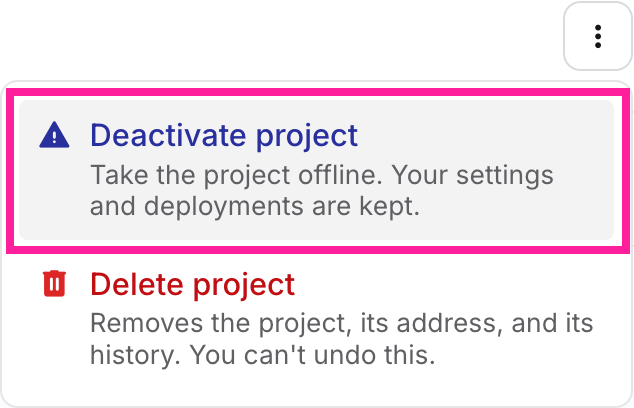
[en] In the dialog, select Deactivate project.
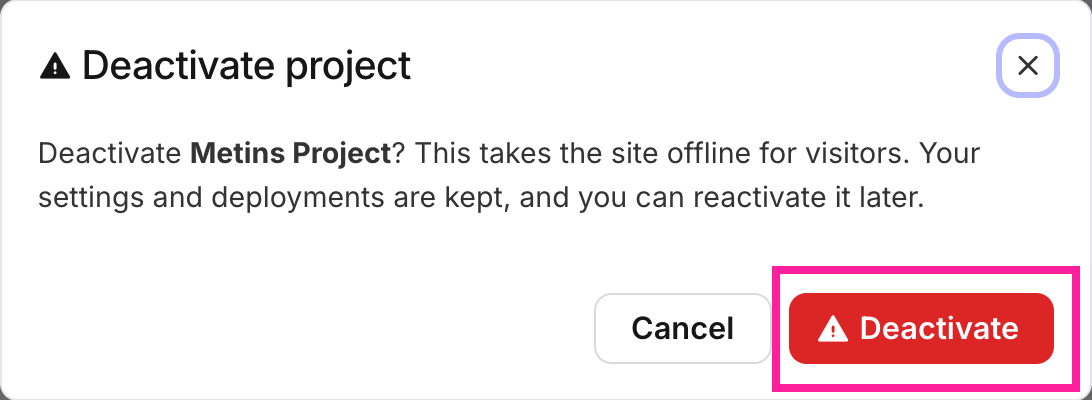
[en] In the confirmation dialog, select Deactivate.
Anmerkung
[en] The project's status badge will say Offline once the project has been deactivated.
Anmerkung
[en] You can still make changes to the project, even when it is deactivated.
Anmerkung
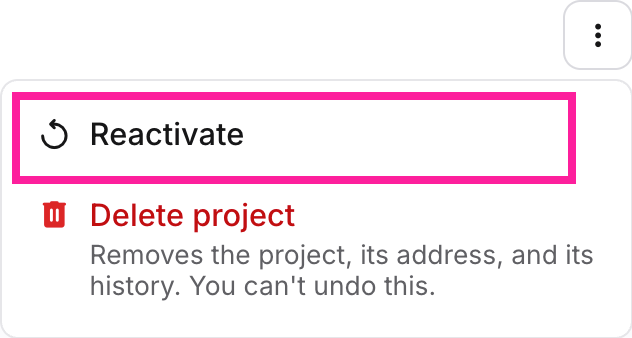
[en] You can reacivate a deactivated project by selecting the Reactivate button for that project.
 |
Warnung
[en] Deleting a project is a destructive action, and cannot be undone.
[en] Select Nexus in the top menu. You are presented with the list of current Nexus projects.
[en] Access the project you want to configure by selecting it in the list.
[en] Select the Portal tab.
[en] Select the Project actions button
at the top of the page.[en] In the dialog, select Delete project.
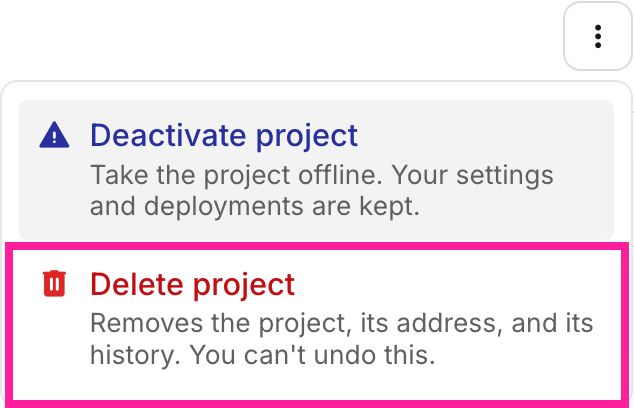
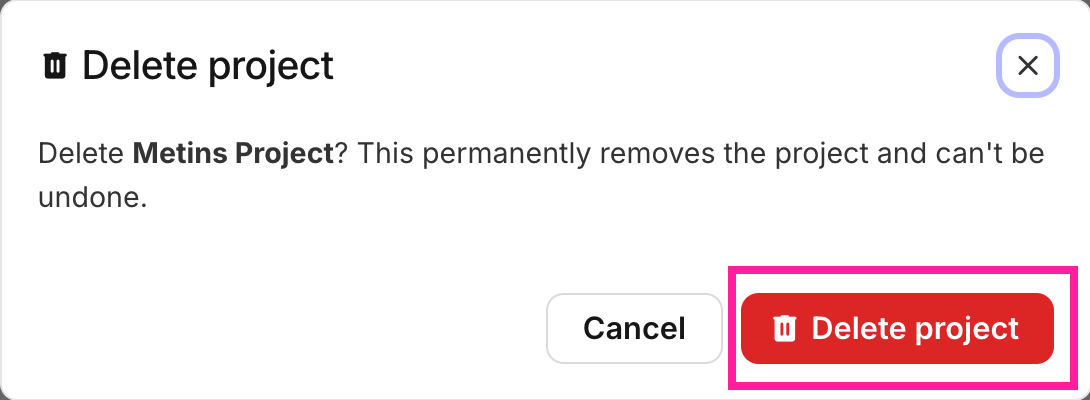
[en] In the confirmation dialog, select Delete project again.