[en] Publish with Nexus
[en] Once your Nexus project is all set up, you can use it to publish your content.
[en] In the Content Manager, select the More options menu for the publication or topic you want to publish.
[en] Select Publish. The publish window opens.
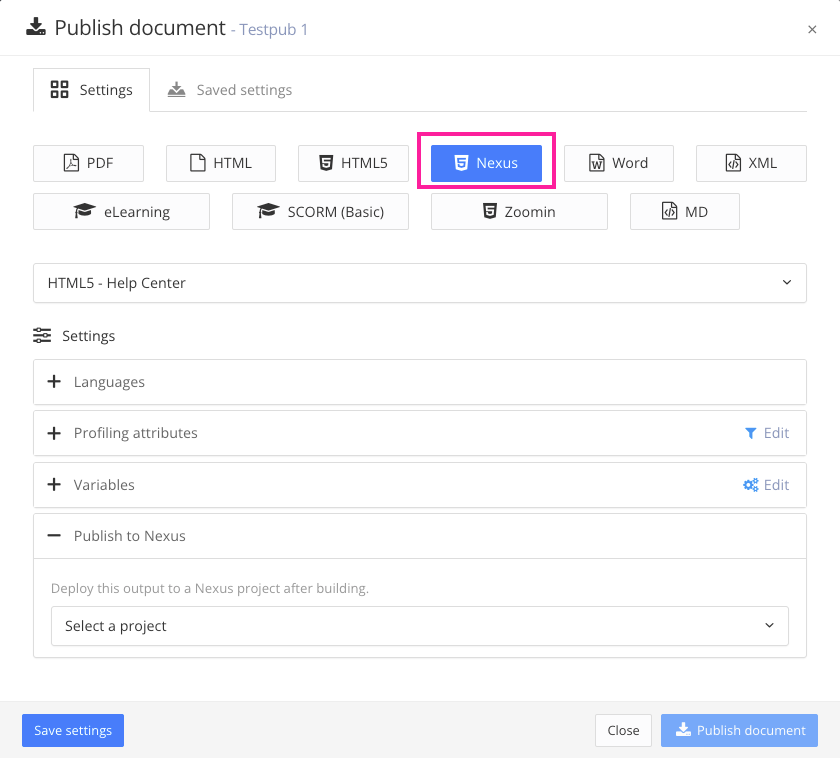
[en] In the publish window, select Nexus for your output format.
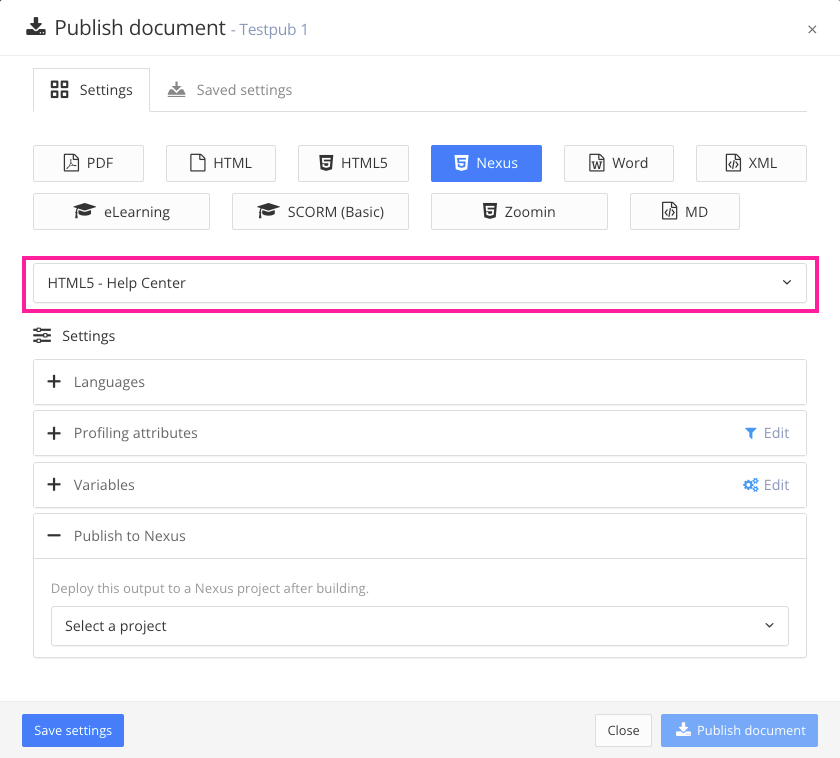
[en] Then select the layout you want to use for this publication.
Anmerkung
[en] Nexus only works with HTML 5 layouts.
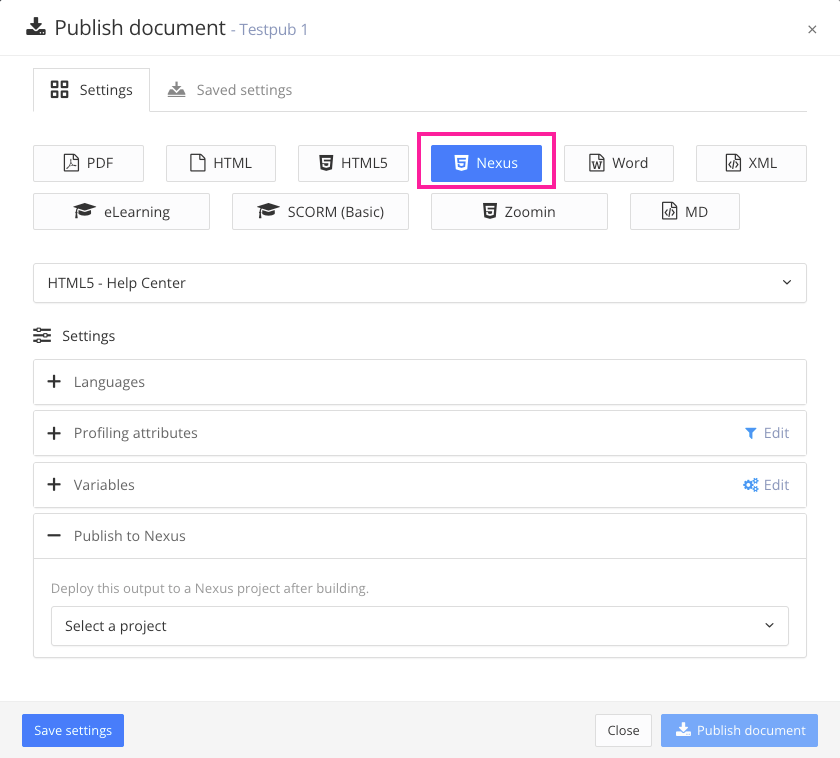
[en] Select which Nexus project to use for this publication using the Select a project dropdown. Since every Nexus project has its own unique URL, this selection determines where the output will be published.
Anmerkung
[en] It will take a few minutes after the publication process has completed for the output to be visible in the project URL.