[en] Create a new project
[en] You can create any number of new projects for your Nexus installation. These can contain only a portal, only AI answers, or both. Note that you can activate or deactivate any of these services at any time in the project settings.
[en] To create a new project:
[en] Select Nexus in the top menu. You are presented with the list of current Nexus projects.

[en] Select Create Project
 .
.[en] In the dialog box, enter a title for your project in the Project title field.
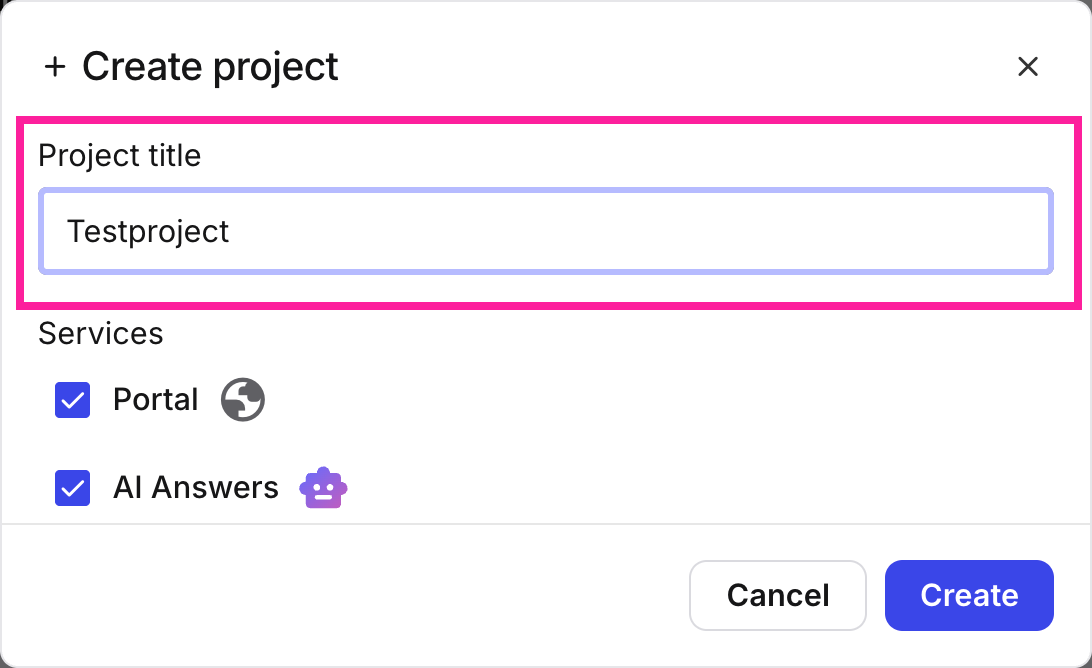
[en] Enter a project title
[en] Select which Nexus services you want to have included in this project: Portal, AI Answers, or both.
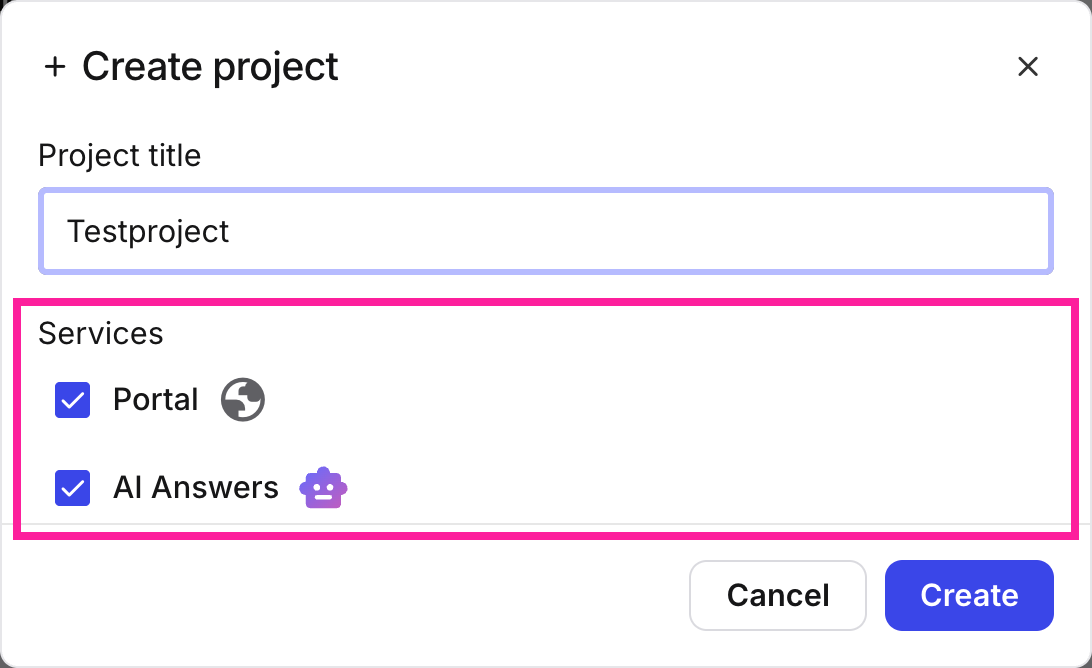
[en] Select Nexus services
[en] Select Create
 . While the project is being set up the badge for the project will say Provisioning. Once it is ready, the badge will read Ready.
Anmerkung
[en] Every Nexus project gets its own unique URL. This is the URL any content published with this project will be published to. However, it is also possible to tie a custom domain to this projectL so that you can use your company's own domain or subdomain for publication. For more information, see: